> For the complete documentation index, see [llms.txt](https://docs.airship.gg/llms.txt). Markdown versions of documentation pages are available by appending `.md` to page URLs; this page is available as [Markdown](https://docs.airship.gg/core-package/proximity-prompts.md).
# Proximity Prompts
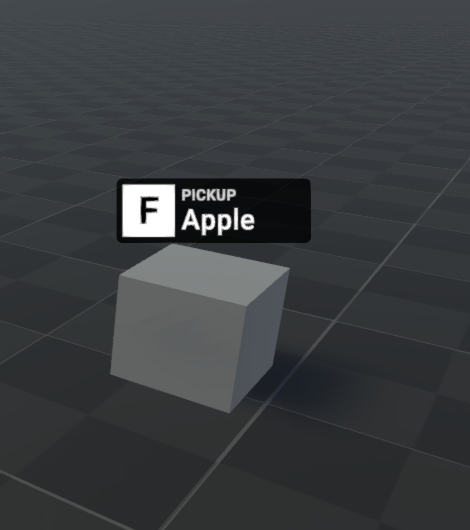
Proximity prompts are a fast way to listen for player input in world.
### Creating Prompts
The simplest way to create a prompt is to drag Core's ProximityPrompt prefab onto your game object.
To listen to prompt input you can use `onActivated`:
```typescript
import ProximityPrompt from "@Easy/Core/Shared/Input/ProximityPrompts/ProximityPrompt";
export default class PromptExample extends AirshipBehaviour {
public prompt: ProximityPrompt;
override Start(): void {
this.prompt.onActivated.Connect(() => {
print("Activated prompt");
});
}
}
```
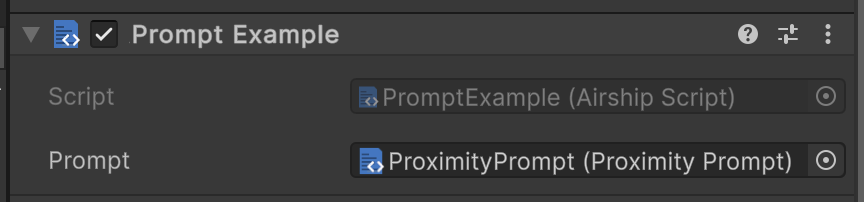
PromptExample component on Cube Game Object
{% hint style="info" %}
onActivated will only ever be fired when the local client interacts with a prompt. This cannot be listened to on the server. To network the result check out [Network Signals](/networking/network-signals.md).
{% endhint %}
### Customization
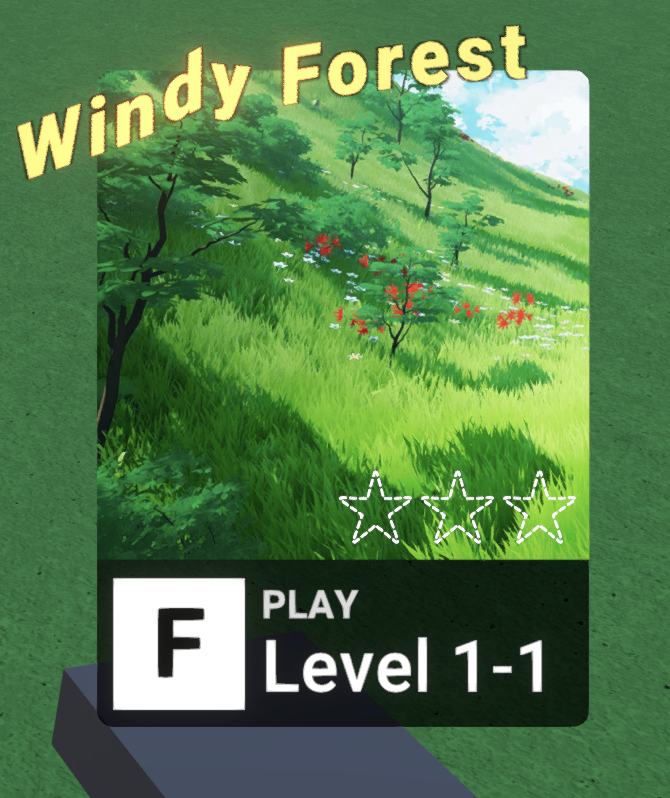
Because a Proximity Prompt is a prefab you can entirely change how it displays.
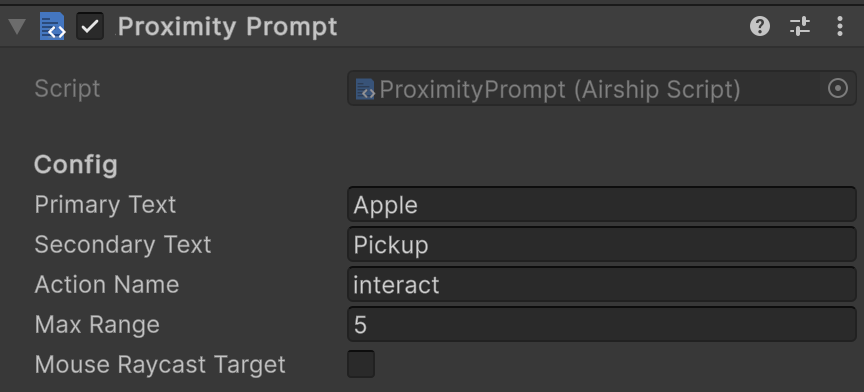
There are a few core customization fields on the Proximity Prompt that you can change in editor or through code:
If you're looking to change how a proximity prompt looks entirely you can modify it directly in your object. If you are wanting to repeat the same style of prompt throughout your game you'll want to set it up as a [Prefab Variant](https://docs.unity3d.com/Manual/PrefabVariants.html).
### Cross Platform
Prompts automatically work across platforms. On mobile prompts can be tapped to activate.